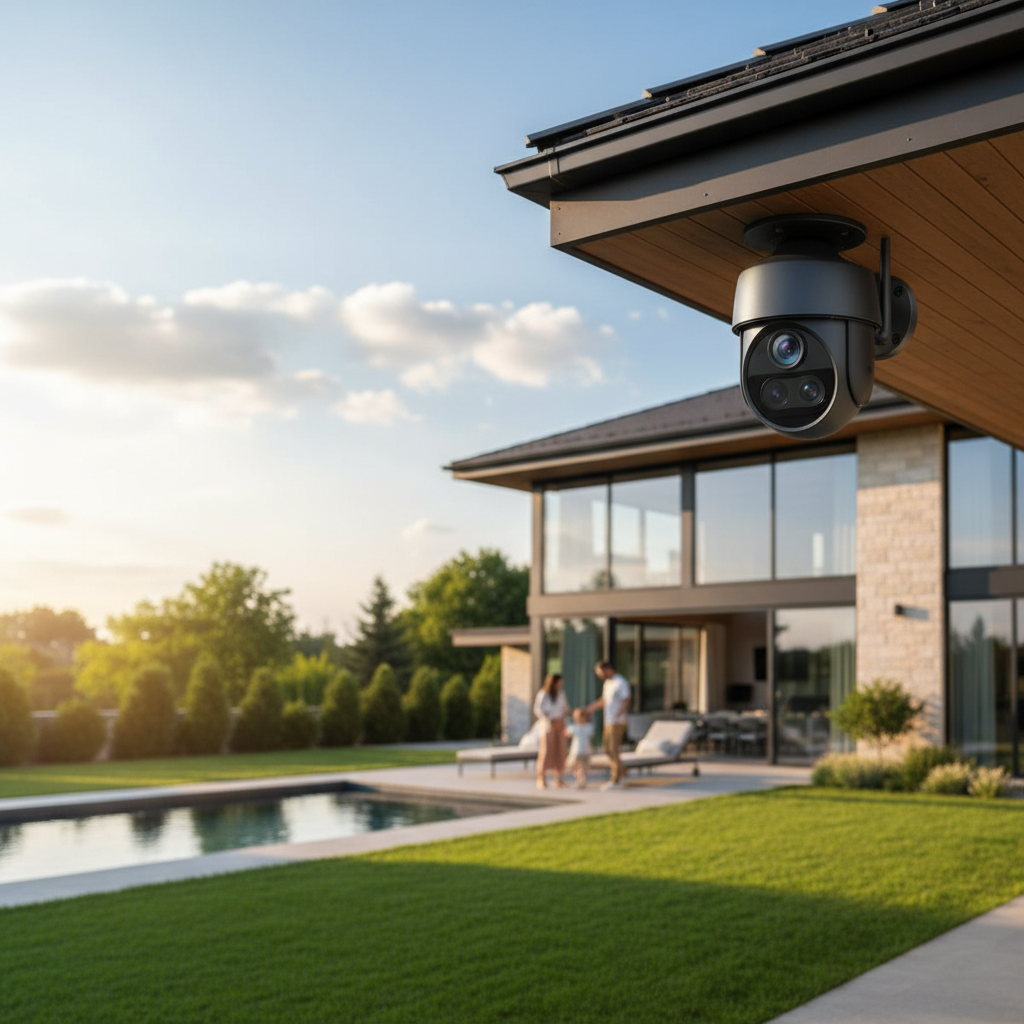
In a world where security is paramount, the question often arises: is an outdoor camera truly a worthwhile investment for your home or business? Many people wrestle with this decision, weighing the initial cost against the invaluable peace of mind that comes from knowing your property is protected. From deterring potential threats to capturing unexpected wildlife, outdoor cameras have become a ubiquitous part of modern security, with users sharing a wide array of experiences that shed light on their true value. Let’s delve into what real users are saying about the worth of outdoor security cameras and help you decide if they’re the right choice for your needs.
Outdoor Cameras: An Essential Security Solution
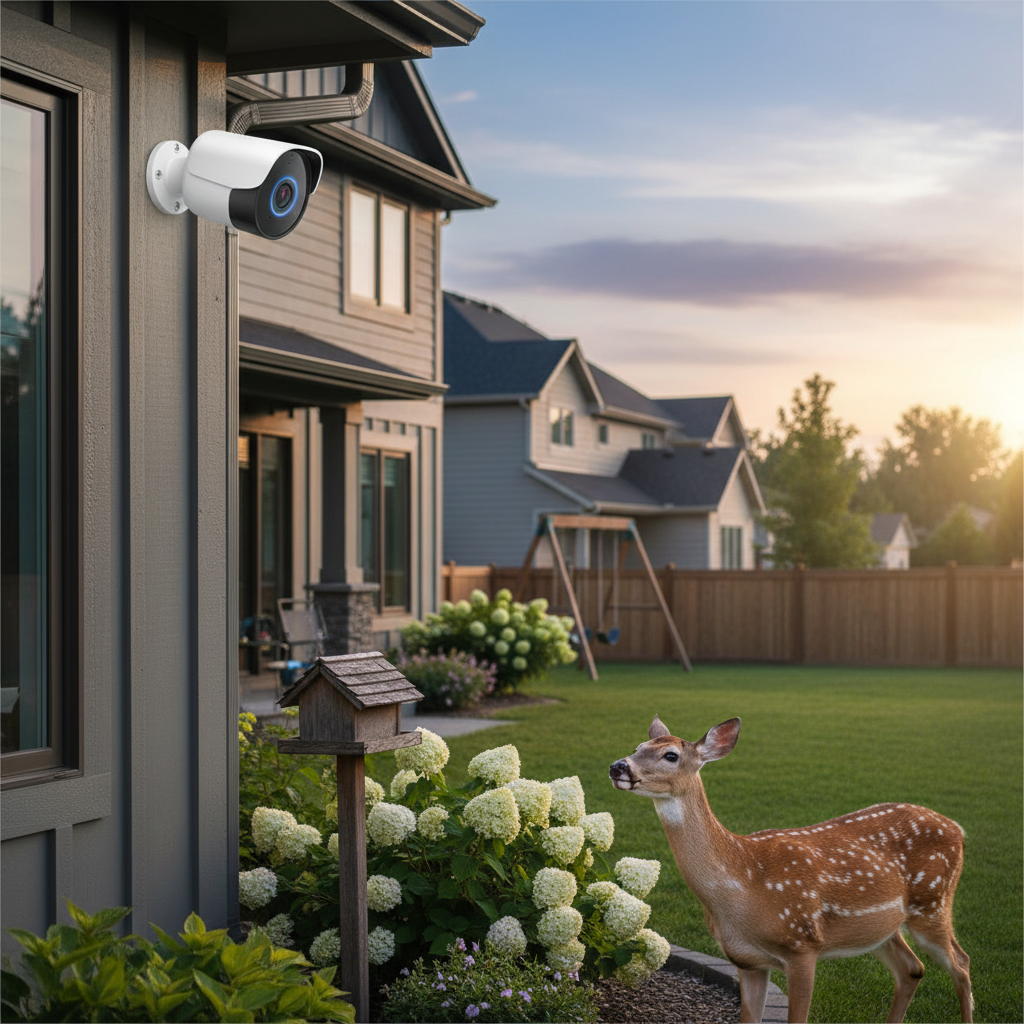
Outdoor cameras serve as a crucial first line of defense, acting as both an active deterrent and a silent witness to events unfolding around your property. Users consistently highlight their importance in crime prevention, noting that visible cameras can significantly reduce the likelihood of burglaries. Beyond deterrence, these devices provide invaluable evidence in the unfortunate event of criminal activity, offering crucial footage for law enforcement or insurance claims. Many appreciate the ability to monitor package deliveries, keep an eye on children playing in the yard, or even track unexpected visitors like wildlife. The sense of security derived from real-time monitoring and instant alerts is often cited as the primary reason for investing in these systems, transforming homes into more secure environments.
Common Types of Outdoor Cameras
The market offers a diverse range of outdoor cameras, each with unique features and user experiences. Understanding these types is key to finding the right fit for your security needs.
- Wireless Cameras: These are highly popular among users for their ease of installation, eliminating the need for complex wiring. They typically run on batteries, which users note offers flexibility in placement but also requires periodic recharging or replacement, especially in high-traffic areas. Some wireless models now integrate solar panels, providing an eco-friendly and low-maintenance power solution that many users appreciate.
- Wired Cameras: Providing a more stable power source and often more reliable connectivity, wired cameras are favored by users who prioritize continuous operation without battery concerns. While installation can be more involved, requiring professional help or DIY wiring skills, the enhanced reliability is a significant benefit for many.
- IP Cameras: Utilizing Internet Protocol (IP), these cameras offer advanced features like higher resolution, smart analytics, and remote access. Users often find IP cameras more versatile and capable of integrating seamlessly with smart home systems.
- Analog Cameras: Though less common in new installations, analog cameras are a more traditional option, often part of older CCTV systems. They are generally more affordable but offer lower resolution compared to their IP counterparts.
- Bullet Cameras: Easily recognizable by their cylindrical shape, bullet cameras are conspicuous and often used for their strong deterrent effect. Their fixed position makes them ideal for monitoring specific entry points or long driveways.
- Dome Cameras: Encased in a dome-shaped housing, these cameras are more discreet and harder to tamper with due to their robust design. Users find them suitable for areas where aesthetics and vandal resistance are important.
- PTZ (Pan-Tilt-Zoom) Cameras: These advanced cameras offer motorized controls, allowing users to remotely pan across a wide area, tilt up or down, and zoom in on specific details. Users highly value PTZ capabilities for comprehensive coverage and the ability to investigate specific events in real-time.
[image-1|outdoor-camera-types|An illustrative image showing various types of outdoor security cameras, including bullet, dome, and PTZ models, mounted in different outdoor settings like a house corner and a garden wall. The image should be realistic with clear distinctions between camera types, under daylight conditions.|
A realistic illustrative image showcasing three distinct types of outdoor security cameras: a sleek white bullet camera mounted on a house corner, a subtle black dome camera affixed to an eaves, and a dynamic gray PTZ camera positioned on a garden wall. Each camera is clearly visible with realistic details, positioned under bright, natural daylight, emphasizing their forms and typical outdoor placements.]
Comparison Table of Outdoor Cameras
Choosing an outdoor camera often involves comparing key specifications against your personal priorities. Here’s a detailed comparison of features that users frequently consider:
| Feature | Wireless/Battery-Powered | Wired/IP Cameras | PTZ Cameras (often IP/Wired) |
|---|---|---|---|
| Resolution | 1080p to 4K (battery life sensitive) | 1080p to 4K+ (consistent) | 1080p to 4K (can maintain high quality) |
| Viewing Angle | Fixed wide-angle (e.g., 120°-160°) | Fixed wide-angle or vari-focal | Wide-ranging (up to 360° pan, 90° tilt) |
| Weather Res. | IP65/IP66 common | IP66+ typical | IP66+ typical |
| Night Vision | IR Black/White, some color (with spotlight) | IR Black/White, color (with spotlights) | IR Black/White, color (with spotlights) |
| Smart Feats. | AI person/vehicle detection, zones | Advanced AI, facial recognition, integration | Advanced tracking, AI detection |
| Storage | Local (SD card) & Cloud (often sub-based) | Local (NVR/NAS) & Cloud (optional) | Local (NVR/NAS) & Cloud (optional) |
| Power Source | Battery (rechargeable, solar option) | Continuous wired power (PoE options) | Continuous wired power |
| Installation | Very easy, DIY friendly | Moderate to complex, requires wiring | Moderate to complex, requires wiring |
| Price Range | Mid-range to high | Mid-range to high | Higher end |
| User Pro/Con | Pro: Flexibility. Con: Battery mgmt. | Pro: Reliability. Con: Wiring effort. | Pro: Coverage. Con: Higher cost, complexity. |
Key Criteria When Choosing an Outdoor Camera
When users embark on the journey of selecting an outdoor camera, several criteria stand out as crucial for making an informed decision. Prioritizing these factors ensures that the chosen camera aligns perfectly with individual security needs and budget.
Resolution: For many users, clear, crisp images are non-negotiable. While 1080p HD is a common standard, users often prefer 2K or 4K resolution cameras for their ability to capture finer details, such as license plate numbers or distinct facial features, which can be critical in identifying intruders. This clarity provides greater confidence in monitoring and evidence collection.
Viewing Angle: The camera’s field of view determines how much area it can cover. Users need to assess the specific zones they wish to monitor—be it a wide backyard, a narrow entryway, or a long driveway. A wider viewing angle minimizes blind spots and reduces the number of cameras needed, while a narrower, focused view is better for specific points of interest.
Weather Resistance: Outdoor cameras must withstand the elements. Users emphasize the importance of selecting cameras with high IP (Ingress Protection) ratings, such as IP65 or IP66, indicating strong resistance to dust, rain, snow, and extreme temperatures. A durable build ensures reliable performance year-round, regardless of harsh weather conditions.
Night Vision: Effective nighttime surveillance is a significant concern for most users. Cameras equipped with infrared (IR) night vision provide clear black-and-white footage in total darkness. Some advanced models offer color night vision through built-in spotlights, while others use advanced sensors to capture color in low light. Users find these features essential for comprehensive 24/7 monitoring.
Smart Features: Modern outdoor cameras offer a suite of intelligent functionalities that enhance security and user convenience. These include:
- AI Detection: The ability to differentiate between people, vehicles, and animals significantly reduces false alarms, a common frustration for users.
- Privacy Zones: Users appreciate the option to black out certain areas from recording, respecting neighbor’s privacy while still monitoring their own property.
- Two-Way Audio: This feature allows users to communicate with visitors or verbally deter intruders, adding an active layer of defense.
- Smart Home Integration: Compatibility with platforms like Alexa or Google Home enables seamless control and automation within an existing smart home ecosystem.
Storage Options: Users have a choice between local storage (SD card, Network Video Recorder/NVR) and cloud storage. Local storage is often preferred by those looking to avoid monthly subscription fees and maintain full control over their footage. Cloud storage, while typically subscription-based, offers off-site backup, accessibility from anywhere, and protection against physical camera tampering.
Power Source: The power supply affects installation complexity and maintenance. Wired cameras offer continuous power and reliability, though they require accessible outlets or Power over Ethernet (PoE). Battery-powered cameras provide installation flexibility but require regular recharging, which can be a hassle for users in high-traffic areas. Solar-powered options, often integrated with battery systems, offer a sustainable solution, minimizing maintenance for users.
Top Outdoor Cameras Most Users Appreciate
Based on widespread user feedback and expert reviews, several outdoor cameras consistently earn high marks for their performance, features, and overall value. While specific model recommendations can change rapidly with new releases, the brands and feature sets below represent what users frequently appreciate.
- Nest Cam (Battery): Many users praise the Nest Cam for its ease of installation and strong integration with the Google ecosystem. Its smart alerts, which can differentiate between people, animals, and vehicles, are highly valued for reducing unnecessary notifications. The option for 24/7 recording with a subscription plan is a standout feature for comprehensive monitoring.
- Arlo Series (e.g., Arlo Pro, Ultra): Arlo cameras are frequently lauded for their truly wireless design, sharp video quality (often up to 4K), and wide field of view, making them excellent for covering large areas. Users often mention the robust app and advanced features like color night vision and animal detection as key benefits, though some note the cost of subscription plans.
- Eufy SoloCam Series: Eufy cameras are a popular choice for users seeking robust features without mandatory monthly fees, thanks to their local storage options. Models with integrated solar panels are particularly appreciated for their set-and-forget convenience. Users often commend their reliability and clear video quality.
- Ring Spotlight Cam/Floodlight Cam: For users already invested in the Alexa ecosystem, Ring cameras are a strong contender. They are praised for their active deterrence features like bright spotlights, sirens, and two-way talk, which are effective in scaring off intruders. While offering a comprehensive system, many users acknowledge the necessity of a Ring Protect subscription for full functionality.
- Blink Outdoor: Often highlighted as a budget-friendly option, Blink cameras appeal to users looking for simple, wire-free security with long battery life (up to two years on AA batteries for some models). Their straightforward setup and local storage options (with a Sync Module) make them a convenient choice for basic outdoor monitoring.
- Reolink Argus Series: Reolink cameras, particularly those with 4K resolution and solar panel compatibility, are favored by users who prioritize high-definition footage and self-sustaining power. Their reliable motion detection and robust hardware often receive positive remarks.
While individual preferences and specific use cases vary, these cameras represent a consensus among users for delivering effective, reliable, and user-friendly outdoor surveillance.
Outdoor Camera Installation Guide
Installing an outdoor camera might seem daunting, but many modern systems are designed for DIY setup, with users reporting successful installations by following a few key steps.
- Choose the Optimal Location: Carefully select a spot that offers a clear, unobstructed view of the area you want to monitor, such as your driveway, front door, or backyard. Users often recommend placing cameras high enough to prevent tampering, typically 8-10 feet off the ground, and aiming them slightly downwards. Consider common entry points and areas where packages are delivered.
- Check Wi-Fi Signal Strength: For wireless cameras, a strong Wi-Fi connection is crucial. Before mounting, temporarily hold the camera in your chosen spot and use the associated app to check the signal strength. Users report that poor Wi-Fi connectivity is a frequent cause of frustration, leading to dropped recordings or delayed alerts.
- Gather Tools and Materials: Depending on your camera type, you might need a drill, screws, a screwdriver, a ladder, and possibly wire clips or conduit for wired installations. For battery-powered cameras, ensure batteries are fully charged.
- Mount the Camera: Follow the manufacturer’s instructions for mounting. This usually involves drilling pilot holes, attaching the mounting bracket, and then securing the camera to the bracket. Ensure the camera is firmly fixed to withstand wind and other environmental factors.
- Connect to Power and Network:
- Wireless (Battery/Solar): If battery-powered, simply insert the charged battery. For solar cameras, ensure the solar panel is positioned to receive maximum sunlight.
- Wired: Connect the power cable to a suitable outdoor outlet or route the Ethernet cable (for PoE cameras) to your router or NVR. Users often advise using weather-resistant covers for outdoor electrical connections.
- Configure via App: Download the camera’s dedicated mobile app. Follow the in-app instructions to connect the camera to your home Wi-Fi network, configure settings like motion detection zones, sensitivity, and notification preferences. Users find that customizing motion zones helps to prevent false alarms from pets or passing vehicles.
- Test and Adjust: After initial setup, test the camera’s live view, motion detection, and two-way audio (if available). Walk through the monitored area to ensure it triggers recordings as expected. Adjust the camera’s angle and settings as needed to optimize coverage and performance.
“A well-placed outdoor camera isn’t just about catching intruders; it’s about making them think twice before they even step foot on your property. Users often underestimate the power of visibility.” – John Smith, Security Systems Expert
Tips for Using and Maintaining Outdoor Cameras
Maximizing the lifespan and effectiveness of your outdoor cameras involves regular care and smart usage practices. Users frequently share insights into keeping their systems running smoothly.
- Regular Cleaning: Over time, dust, dirt, cobwebs, and even bird droppings can accumulate on camera lenses, degrading image quality. Users recommend gently cleaning the lens and surrounding casing with a soft, damp cloth every few months to ensure clear footage.
- Monitor Battery Life (for wireless models): For battery-powered cameras, regularly check the battery status via the app, especially if the camera is in a high-traffic area. Having a spare, charged battery on hand allows for quick swaps, minimizing downtime. Users in colder climates also note that battery performance can decrease in low temperatures.
- Firmware Updates: Camera manufacturers frequently release firmware updates to improve performance, add new features, and patch security vulnerabilities. Users advise enabling automatic updates or checking for them regularly to ensure the camera operates with the latest software.
- Check Connectivity: Periodically verify that your camera has a strong and stable connection to your Wi-Fi network. Connectivity issues can lead to missed recordings or delayed alerts, defeating the purpose of surveillance. If you notice issues, try repositioning your router or adding a Wi-Fi extender.
- Optimize Motion Detection Settings: Fine-tune motion sensitivity and detection zones to minimize false alarms. Users often find that setting zones to cover only critical areas (e.g., excluding public sidewalks) and adjusting sensitivity can prevent recordings triggered by pets, tree branches, or passing cars.
- Protect from Physical Damage: While outdoor cameras are weather-resistant, extreme conditions like strong hail or falling debris can still cause damage. Consider installing protective covers or ensuring cameras are in somewhat sheltered locations if feasible.
- Review Footage Regularly: Get into the habit of reviewing recorded footage, especially after receiving alerts, to ensure the camera is functioning as expected and capturing relevant events. This also helps identify any potential blind spots or areas needing adjustment.
Buying Guide: What to Know Before Buying an Outdoor Camera
Before committing to an outdoor camera, a comprehensive understanding of your needs and the market offerings will guide you to the perfect system. This guide incorporates common user considerations and expert advice.
Budget Expectations: Outdoor cameras range widely in price, from affordable entry-level models to premium systems with advanced features. Establish a realistic budget that accounts for not just the camera’s purchase price, but also potential ongoing costs like cloud storage subscriptions or professional installation. Users often find that investing a bit more upfront can lead to greater satisfaction and fewer frustrations down the line.
Specific Usage Needs: Clearly define what you want the camera to achieve. Are you primarily looking to deter crime, monitor package deliveries, observe pets, or simply keep an eye on your property? Your primary purpose will dictate essential features, such as the required resolution, field of view, and specific smart detection capabilities. For instance, monitoring a wide backyard might require a PTZ camera, while a front door simply needs a good doorbell camera.
Essential Features vs. Nice-to-Haves: Create a checklist of must-have features (e.g., 1080p resolution, night vision, weather resistance) and a separate list for desirable, but not critical, features (e.g., 4K video, facial recognition, solar power). This helps prioritize and avoid overspending on features you may not fully utilize. Users consistently highlight reliable motion detection and clear night vision as non-negotiables.
Integration with Existing Smart Home Ecosystems: If you already have a smart home setup (e.g., Google Home, Amazon Alexa, Apple HomeKit), verify the camera’s compatibility. Seamless integration allows for centralized control, voice commands, and automated routines, enhancing overall convenience and security. Users often appreciate the ability to view camera feeds on smart displays.
Subscription Models and Data Storage: Be aware of how video footage is stored. Many cameras offer local storage via SD cards or NVRs, which helps avoid recurring fees. However, many advanced features, continuous recording, and extended video history are often tied to cloud-based subscription plans. Compare the costs and benefits of these subscriptions against your desire for long-term storage and advanced functionalities.
Brand Reputation and Customer Support: Research the reputation of manufacturers for reliability, product longevity, and responsive customer service. Users frequently share experiences about the quality of technical support and warranty policies, which can be critical if you encounter issues with your camera. Opting for established brands often provides a more trustworthy experience.
Installation Complexity: Consider whether you prefer a DIY-friendly installation (often with battery-powered wireless cameras) or if you’re comfortable with a more involved wired setup, potentially requiring professional assistance. Ease of installation is a significant factor for many users when making their final decision.
Conclusion
The consensus among users and experts is clear: an outdoor camera is indeed a worthwhile investment for enhanced security and peace of mind. While the value is subjective, the benefits of deterring crime, capturing crucial evidence, and monitoring your property far outweigh the potential challenges. Users consistently praise features like high-resolution video, reliable motion detection, and robust weather resistance as key factors in their satisfaction. However, navigating issues like battery life, connectivity, and understanding subscription models are vital for a positive experience. By carefully considering your specific needs, prioritizing essential features, and researching reputable brands, you can find an outdoor camera that serves as a diligent guardian for your home or business. Are you ready to take the next step in fortifying your perimeter and gaining invaluable insight into your surroundings?
Frequently Asked Questions
What is the most common complaint users have about outdoor cameras?
|
Our Picks for the Best Outdoor camera in 2026
As an Amazon Associate I earn from qualifying purchases.
|
||
| Num | Product | Action |
|---|---|---|
| 1 | GMK Security Cameras Wireless Outdoor 4 Pack, 2K Battery Powered Cameras for Home Security, Color Night Vision, Motion Detection, 2-Way Talk, IP65 Waterproof, Remote Access, Cloud/SD Storage |

|
| 2 | Ring Outdoor Cam Plus, Battery (newest model), Home or business security, Wide-Angle 2K Video with Ring Vision, Low-Light Sight for full-color night vision, Mount-Anywhere Versatility, Black |
|
| 3 | 2026 Upgraded 2K Security Cameras Wireless Outdoor, Free Cloud Storage, 1-6 Months Battery Life, Waterproof, 2-Way Talk, AI Motion Detection Spotlight Siren Alarm Cameras for Home Security |
|
| 4 | All-new Blink Video Doorbell + Outdoor 4 – Wireless smart security cameras, head-to-toe HD view, two-year battery life. Sync Module Core included – 2 camera system + Video Doorbell |
|
| 5 | Security Cameras Wireless Outdoor 355° Pan Rotating 2K Color Night Vision Cameras for Home Security WiFi Battery Outdoor Camera Motion Detection 2-Way Talk IP65 Spotlight Siren SD/Cloud Storage 2 Pack |
|
| 6 | Ring Outdoor Cam (Stick Up Cam), Weather-resistant home or business security camera, outdoor ready, Live View, Color Night Vision, Two-Way Talk, motion alerts, Works with Alexa, White |
|
| 7 | Blink Outdoor 4 – Wireless smart security camera, two-year battery life, 1080p HD day and infrared night live view, two-way talk. Sync Module Core included – 3 camera system |
|
| 8 | eufy Security 3K Dual Camera, SoloCam S340, Solar Security Cameras Wireless Outdoor, Cameras for Home Security, 360°Coverage, Pan & Tilt, No Blind Spots, No Monthly Fee, HomeBase S380 Compatible |
|
| 9 | aosu Security Cameras Outdoor Wireless, 4 Cam-Kit, No Subscription Required, Solar-Powered, Home Security Cameras System with 360° Pan & Tilt, Auto Tracking, 2K Color Night Vision, Easy Setup |
|
| 10 | WYZE Cam v4 (Latest Model), 2.5K AI Security Camera, Indoor/Outdoor Cameras for Home Security, Baby Monitor & Pet Camera, Vibrant Color Night Vision, No Subscription Required, Free Expert Help |
|
The most frequent complaints from users revolve around inconsistent battery life, particularly in high-traffic areas, and unreliable motion detection, which can lead to either excessive false alarms or missed critical events. Connectivity issues and subscription costs are also common pain points.
Can an outdoor camera really deter crime?
Yes, a visible outdoor camera can act as a significant deterrent to potential intruders. Studies suggest that properties with security cameras are less likely to be targeted by burglars, as criminals prefer easier targets. Many cameras also include active deterrence features like sirens and spotlights.
Do I need a subscription for my outdoor camera?
Not always, but many advanced features, cloud storage, and extended video history are often tied to subscription plans. Cameras with local storage options (e.g., SD cards) can function without a subscription, but you might miss out on certain smart functionalities or off-site backup.
How important is weather resistance for an outdoor camera?
Weather resistance is extremely important for any outdoor camera. Users emphasize choosing cameras with high IP ratings (e.g., IP65 or IP66) to ensure they can withstand rain, snow, dust, and varying temperatures, ensuring reliable operation throughout the year without damage.
What resolution is recommended for outdoor security footage?
While 1080p (Full HD) is a good baseline, many users recommend 2K or 4K resolution for outdoor cameras. Higher resolutions provide much clearer images and allow for greater detail, which can be crucial for identifying faces or license plates if an incident occurs.